Converged System AidLux
Native Linux Desktop
Xfce
AidLux Desktop is web-rendered. If you need a natively rendered Linux desktop, install Xfce.
Xfce is free software that runs on Unix-like operating systems (such as Linux, FreeBSD, and Solaris), providing a fast, lightweight, and user-friendly desktop environment.
Xfce is composed of independent software components that can be used separately or together to provide a complete graphical desktop experience.
Installation
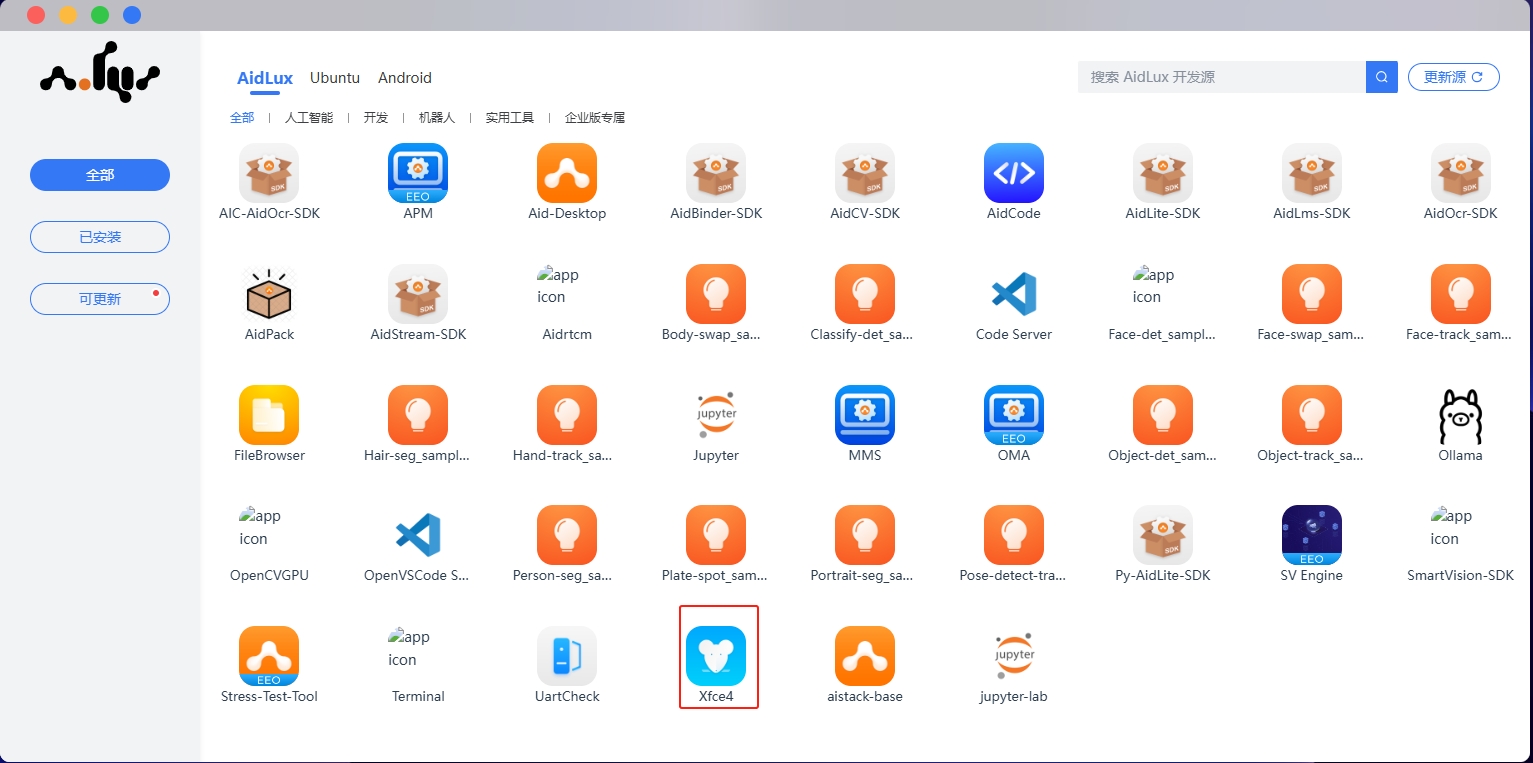
You can install Xfce4 from App Center.
Usage
In the Xfce environment, you can install and use GUI tools just like on a regular Ubuntu desktop.
Direct Access
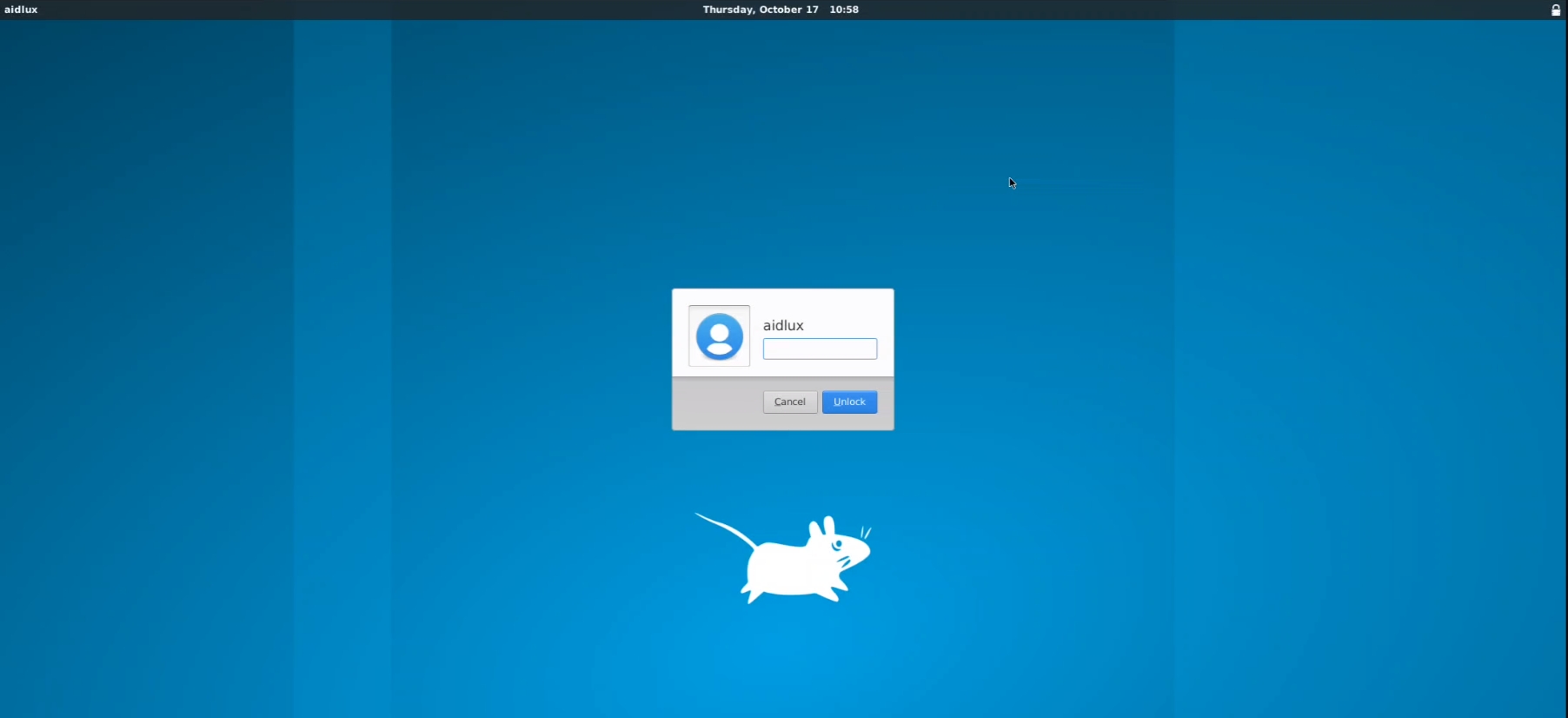
After installation, access the device interface directly to enter Xfce. Password: aidlux
Remote Access
For LAN remote access, refer to: Use VNC to connect to the Xfce desktop environment